Teacher: User Manual
10. Grade
10.3. Overview Report
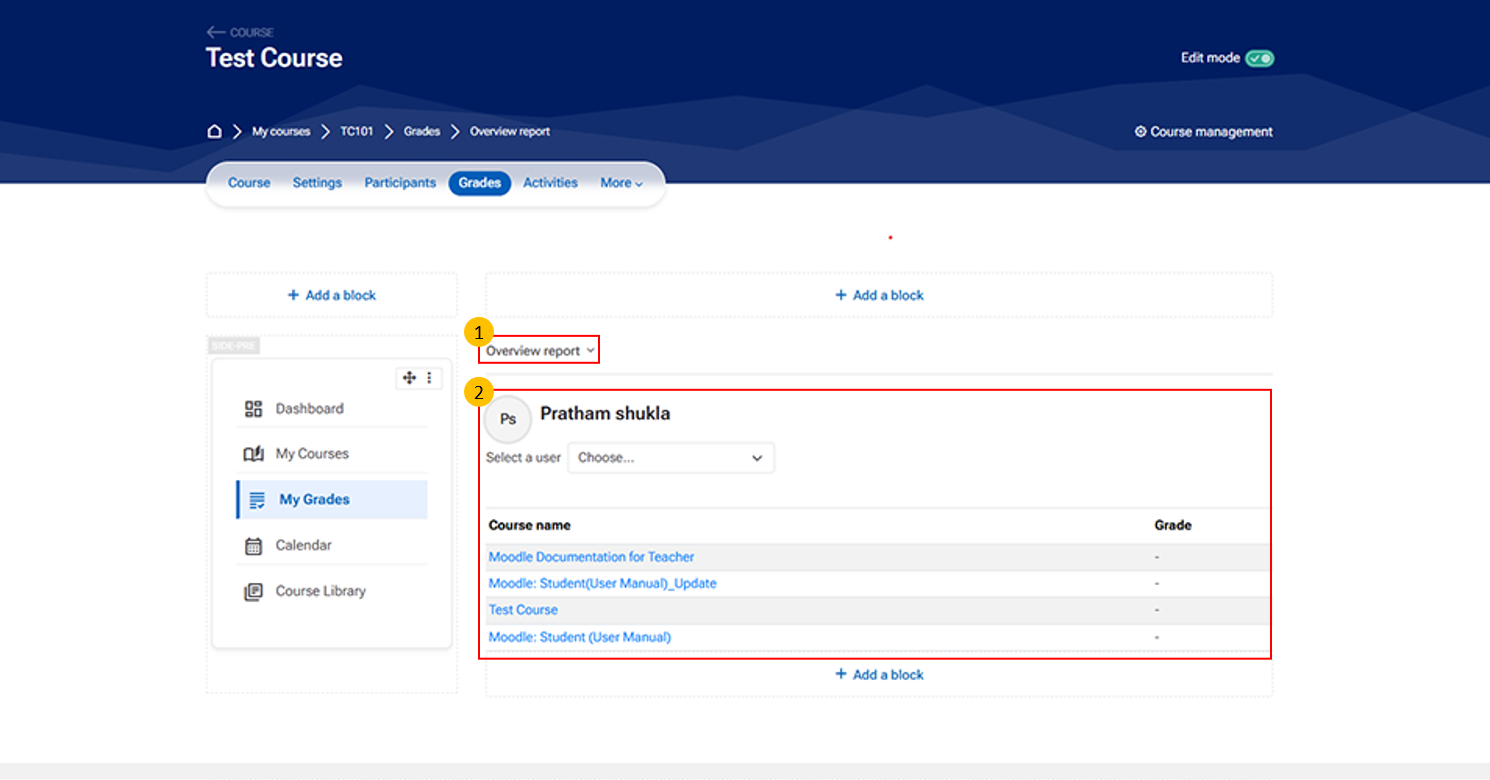
- Overview Report Tab
- The Overview Report allows teachers to view a summary of a student’s grades across different courses or grade items.
- Student Grade Summary Section
- This section displays grade details for a selected student.
- Key elements:
- Student Name
- Displays the currently selected user
- Select a User Dropdown
- Allows you to switch between students
- Course Name Column
- Lists courses or grade items
- Grade Column
- Shows the corresponding grades