Teacher: User Manual
10. Grade
10.6. User Report
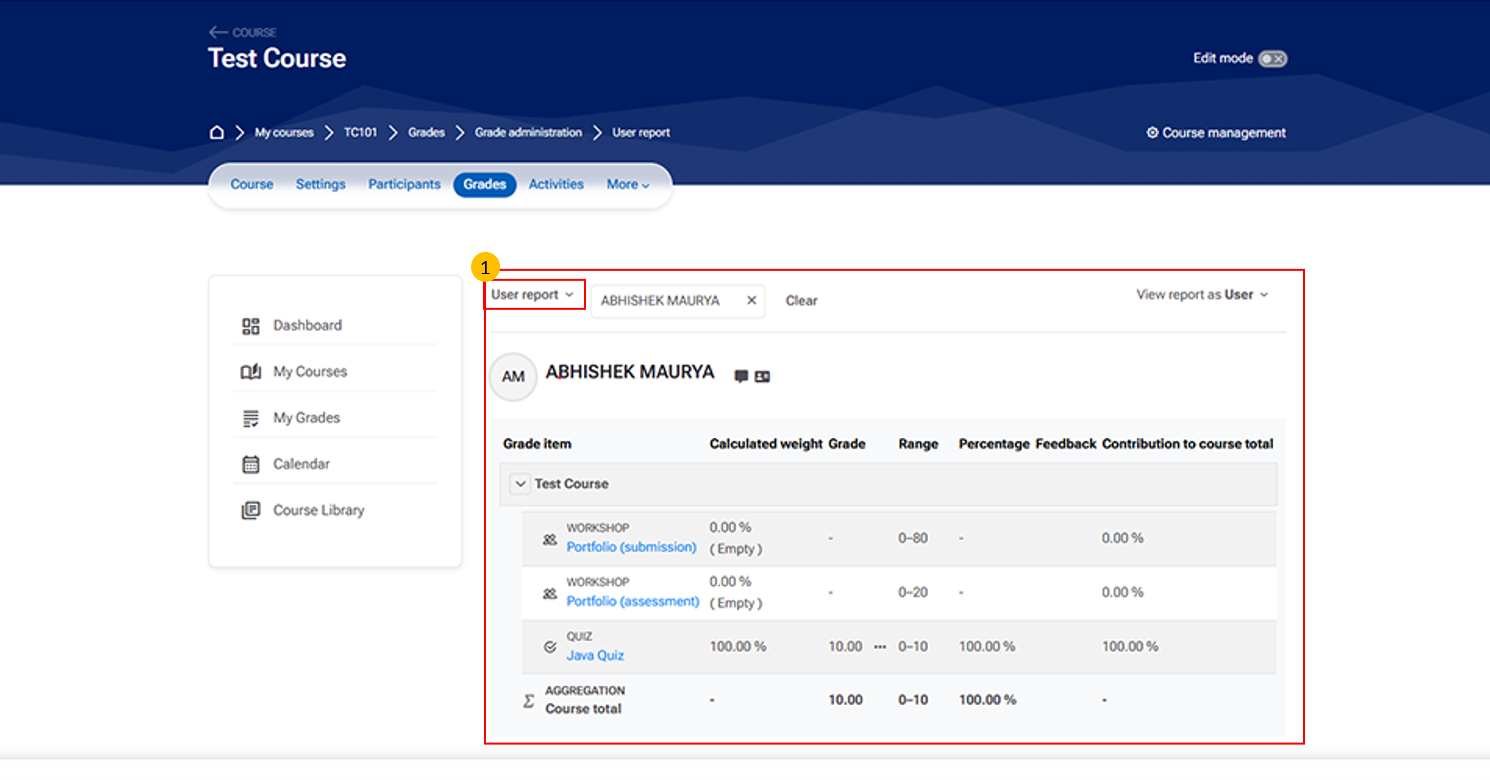
- User Report Section
-
This section allows teachers to view the grade details of an individual student.
-
It includes information such as:
-
-
Student name and profile – Identifies the learner whose grades are being viewed
-
View report as dropdown – Switch between different perspectives (e.g., user or teacher view)
-
Grade details table – Displays activities, grades, and performance metrics
-
-
- Use this section to monitor and evaluate a student’s progress in the course.
-